- erp
- Quick campus
Best School Software & ERP Account Setup Guide: 2026
- March 09,2026
- - By Admin
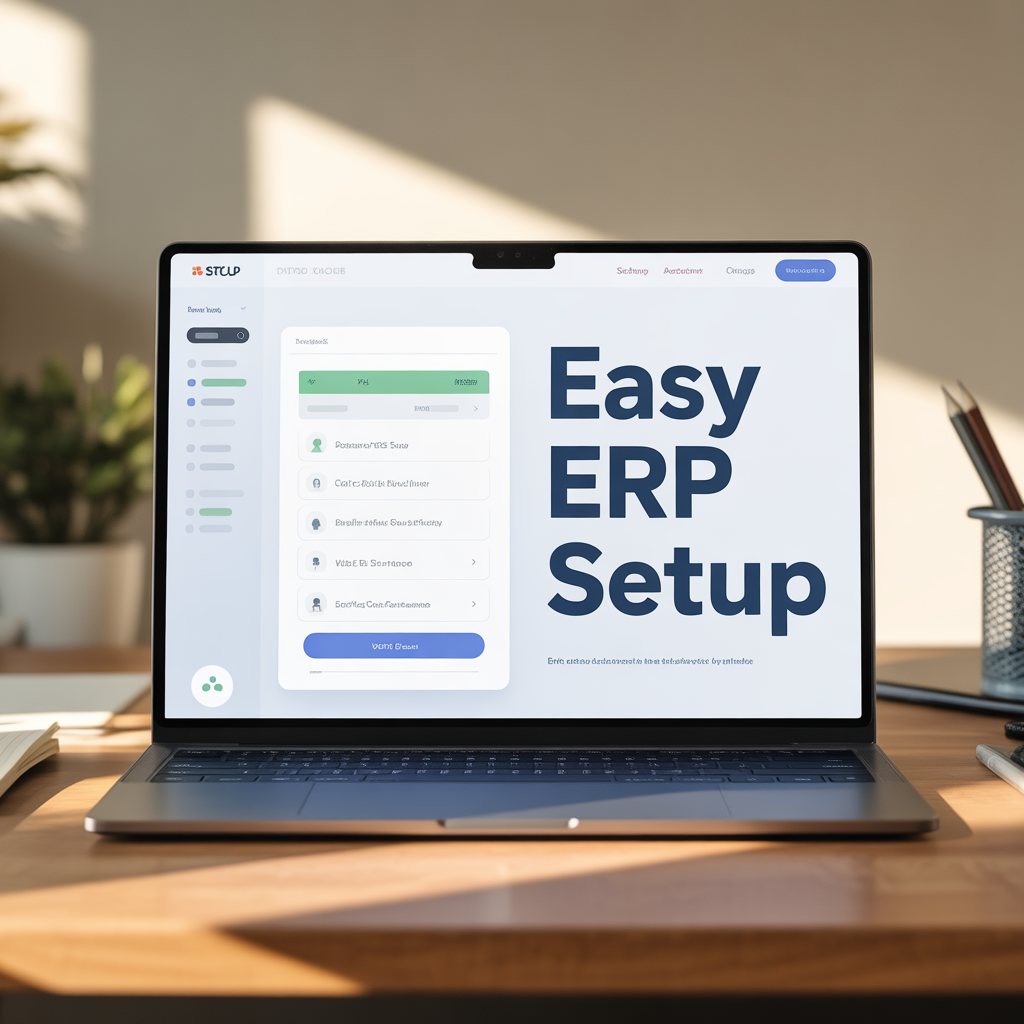
Managing a modern campus is now simpler with advanced cloud erp systems. For students and admins, using a professional campus erp login is the first step toward digital success. Whether you are using a portal for AKTU or a custom school management software, having a clear setup guide is vital for improving efficiency.
In this guide, we will explain how to handle erp implementation and why choosing the best software for schools like QuickCampus can reduce costs and save time.
Why Do You Need a Student Information System?
A student information system (SIS) is the heart of any modern school or college. It acts as a central database where all records are stored securely. Unlike old paper-based methods that are time consuming, a cloud erp software allows for seamless integration of all departments.
By using it management software, educational institutions can ensure total security and compliance. This allows administrators to focus on data driven decision making rather than manual paperwork.
Prerequisites for ERP Account Creation
Before you start your erp login process, you must gather specific data. Accurate data management ensures that you don't face errors during the login phase. Ensure you have these details ready:
- University Roll Number: This acts as your unique identity in the erp school.
- Date of Birth: It must exactly match the records in the college management software.
- Contact Details: A registered mobile number and email for OTP verification.
- Academic Info: Your specific college code and branch details.
Step-by-Step Guide to System Setup
1. Access the Online School Software
The first step is to visit the official URL of your online school software. For example, AKTU students use erp.aktu.ac.in. Always verify the link to avoid security risks. A high-quality erp software cloud based system will always have an 'HTTPS' secure connection.
2. Locate the Student Registration Link
On the home page, look for "New User Registration." Most school software platforms place this prominently. If you are using the QuickCampus management app, this process is even faster because the user friendly interface guides you at every step.
3. Enter Credentials into the ERP System
Fill in your Enrollment Number and Date of Birth. Our cloud erp solutions are designed to validate data in real-time. This prevents the "details mismatch" errors that often plague older premise erp systems.
4. OTP Verification and Access Control
After submitting, you will receive an OTP. This is a critical part of access control in any it management software. It ensures that only the rightful student can access the erp app.
5. Create a Secure Password
Choose a strong password to protect your financial management and academic data. A reliable erp service will require a mix of symbols and numbers to keep your account safe from unauthorized access.
6. Final Profile Update
Once you complete your campus erp login, upload your photo and ID. In a complete education erp, this data flows into other modules like the library management system and the examination software.
Exploring Advanced ERP Modules
A true software solution for education goes beyond just logins. It handles the entire student lifecycle management.
Automated Fee Software
Our fee software module allows parents to pay dues online. It generates instant financial reports, making financial management easy for the accounts team. No more long queues at the bank!
Examination and CCE Software
Grading is now automated. Using examination software, teachers can upload marks directly. For schools following specific boards, our cce software calculates grades automatically, saving hours of manual work.
Library and Inventory Management
A digital library management module tracks every book. When combined with inventory management, it helps the school see their assets in real-time. This is similar to how supply chain management works in big industries.
The Power of Mobile Apps in Education
QuickCampus provides a dedicated mobile app for school users. This ensures that everyone stays connected through real time insights.
- Teacher App: Teachers can mark attendance and update the report card software from their phones.
- Parent App: Parents get instant alerts about fees and exams through the parent app.
- ERP Student Portal: Students can download notes and check their schedules via the erp student login.
Troubleshooting Common ERP Login Issues
Sometimes, erp implementation can face minor hurdles. Here is how to fix them:
- Invalid Details: Double-check your roll number for any hidden spaces or typos in the school erp app.
- OTP Delays: This is common during peak hours. Wait 5 minutes before retrying.
- Account Locked: If you forget your password, use the "Forgot Password" link or contact customer support for a manual reset.
Conclusion: Why QuickCampus is the Best Choice
While setting up a cloud erp account can feel like a big task, the right school master software makes it effortless. QuickCampus offers a user friendly interface that ensures great user experiences for students, parents, and project managers.
By streamlining operations and providing actionable insights, we help you move away from time consuming manual tasks. Our erp software systems are the backbone of successful erp india stories in the education sector.
Ready to upgrade your school's digital journey? Book a Demo with QuickCampus and discover how our cloud erp solutions can transform your institution today!
Recent Posts
All Category
- Edtech
- Digital Marketing
- Web Development/Design
- Cloud Based ERP
- Tender Opportunities
- Improve
- Registration
- Tips to Master