- erp
- Registration
- Quick campus
How to Use Tally.ERP 9 on Cloud: Installation & Benefits
- January 09,2026
- - By Admin
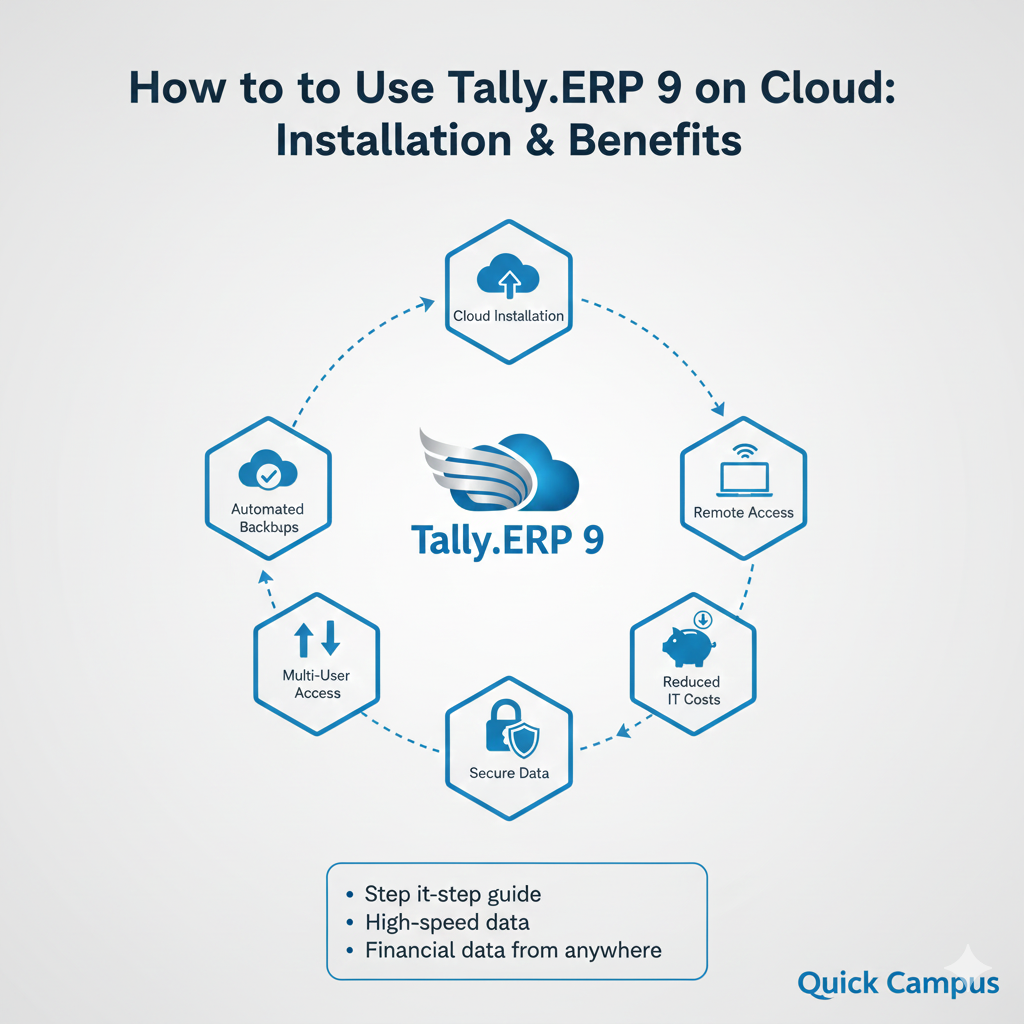
For small businesses and educational institutions, managing accounting data efficiently is the heartbeat of the organization. While Tally has been the go-to software for decades, the traditional on-premise setup often limits productivity. By using Tally on the cloud, you can quickly access your company data. You can do this safely, no matter where you are.
Is Tally.ERP 9 cloud-based?
By default, Tally.ERP 9 is a desktop-based premise system. You can use cloud platforms like AWS, Azure, or Tally cloud hosting for schools.
This lets you run the full version of Tally on a virtual server. You can run Tally using web browsers or Remote Desktop (RDP) on different operating systems. This includes Windows, Mac, and Linux.
Step-by-Step Tally ERP 9 on Cloud Installation Guide
If you want a step-by-step guide for Tally cloud setup, follow these simple steps to move your financial data safely.
1. Choosing the Best Tally on Cloud Service Provider
The first step is selecting a reliable erp vendor. Look for providers that use Tier-3 or Tier-4 data centers to ensure 99.9% uptime. A good provider will offer Tally ERP 9 remote access features such as mobile access and browser-based login.
2. Server Configuration & Setup
Your provider will set up a Virtual Machine (VM). Ensure the server has enough RAM (at least 4GB to 8GB) and SSD storage to maintain high speed performance as your business grows.
3. Installing Tally and Data Migration
- Install Tally: The erp vendor installs the Tally.ERP 9 setup on the cloud server.
- Upload Data: Your existing accounting data is moved from your local PC to the cloud server.
- Activate License: Use your existing Tally serial number and activation key to reactivate the license on the cloud instance.
4. Configuring Multi-User Access
To enable multi user access, you must create individual user profiles. This is particularly beneficial for chartered accountants who need to audit books remotely without disturbing the school's daily operations.
Tally ERP 9 Remote Access Features
Cloud-based Tally isn't just about moving data; it's about adding functionality:
- Data from Anywhere: Access your ledgers and vouchers from remote locations via an internet connection.
- Web Browser Access: Use Tally through Chrome or Safari without installing any software on your local device.
- Tally on Mobile: View real-time sales, receipts, and outstanding reports on your smartphone.
Benefits of Tally on Cloud for Schools and Small Businesses
1. Data Security & Automated Backups
Maintaining accounting data on local hard drives is risky. Cloud hosting ensures you store data securely with enterprise-grade firewalls. Furthermore, automated backups mean you never have to worry about losing your financial data because of a hardware crash.
2. Cost Efficiency
A cloud based erp system eliminates the need for expensive in-house servers, UPS systems, and IT maintenance staff. You pay a predictable Tally ERP 9 cloud based price (usually per user/month), which helps reduce costs.
3. Real-Time Collaboration
With multi-user access, your school’s accountant, principal, and chartered accountants can all see the same data. They can also work on it at the same time. This synchronization is vital for streamlining operations.
4. Scalability
As your business grows, you can add more users or increase server storage in minutes. Unlike a physical server, cloud resources are elastic and grow with your institution.
Tally ERP 9 Cloud Based Price Overview
While prices vary by erp vendor, here is a general market estimate for Tally cloud hosting for schools:
- Starter Plan: ₹450 – ₹600 per user/month (Ideal for single-user schools).
- Standard Plan: ₹800 – ₹1,200 per user/month (Supports multi-user with more storage).
- Premium/Enterprise: ₹1,500+ per user/month (High-speed dedicated servers).
Conclusion: Why Quick Campus Recommends Cloud Tally
At Quick Campus, we believe in a "Single Source of Truth." Using a cloud-based Tally setup helps with school management tasks. It ensures that every rupee is counted accurately. It also keeps data stored safely.
Moving to the cloud is no longer an option; it is a necessity for modern operational efficiency. It empowers your team members, protects your financial data, and allows you to manage your data from anywhere.
For more tips on optimizing your school’s digital infrastructure, check out our latest blogs.
Recent Posts
All Category
- Edtech
- Digital Marketing
- Web Development/Design
- Cloud Based ERP
- Tender Opportunities
- Improve
- Registration
- Tips to Master