- erp
- Quick campus
- digital marketing
What is ERP? The Ultimate Guide to ERP Systems
- January 09,2026
- - By Admin
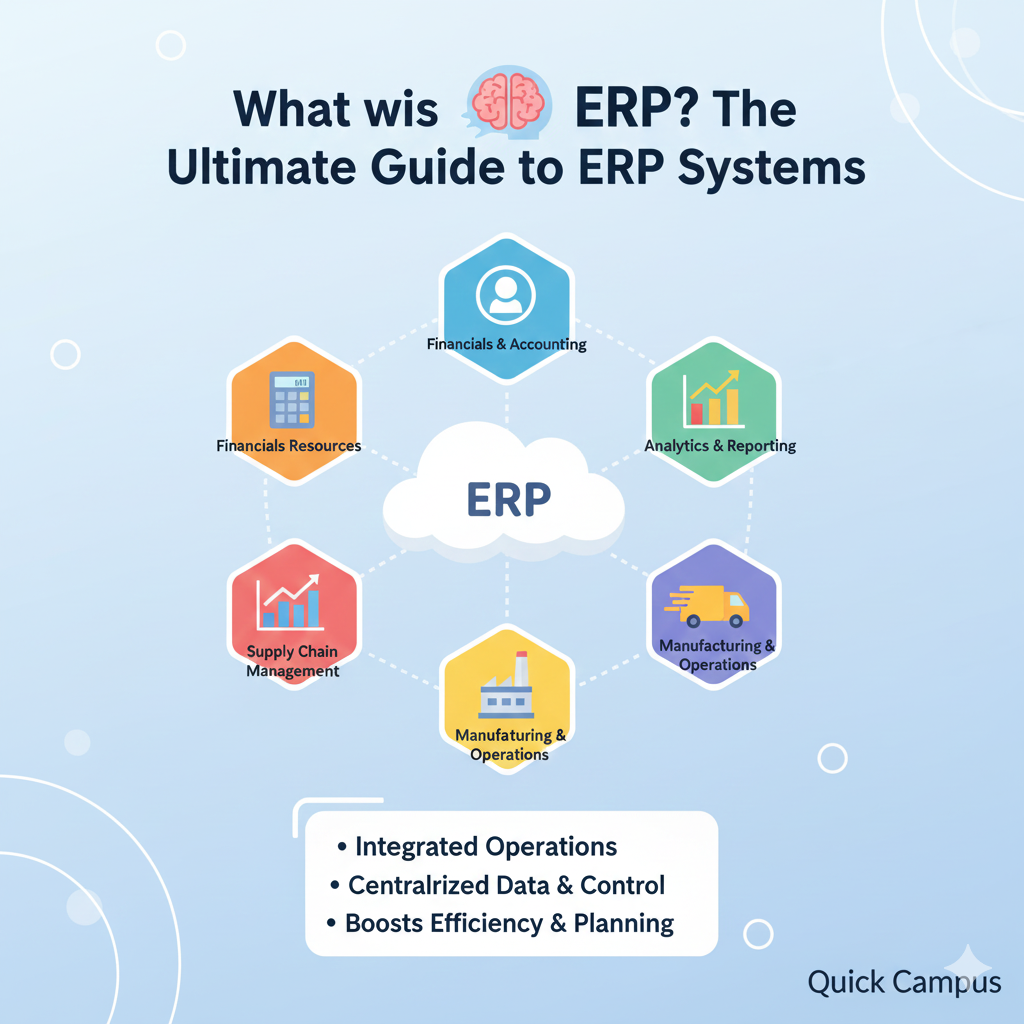
In today's digital world, every organization needs a strong management system to stay competitive. This includes both big companies and growing schools. This is where Enterprise Resource Planning (ERP) becomes the backbone of your operations. This guide explores everything you need to know about ERP and how it can revolutionize your business operations.
What does ERP mean?
Enterprise Resource Planning (ERP) is software that helps organizations manage daily tasks. These tasks include accounting, purchasing, project management, and supply chain operations.
At its core, an enterprise resource planning erp acts as a centralized hub. Instead of having separate databases for finance, HR, and admissions, an ERP seamlessly integrates these functions into one platform. For Quick Campus users, one entry in the admission module updates fee records and classroom strength. This helps school administrators make decisions based on data.
What is an ERP System vs ERP Software?
While people often use these terms interchangeably, there is a subtle distinction:
- ERP System: This is the broader framework. It includes the software, the business processes, the IT management protocols, and the people who use the data.
- ERP Software: This refers to the actual application or the suite of software systems. Quick Campus is a school management software. It works as an ERP made for the education sector.
What are the 5 Components of ERP?
To ensure a successful erp implementation, you must understand its five core components:
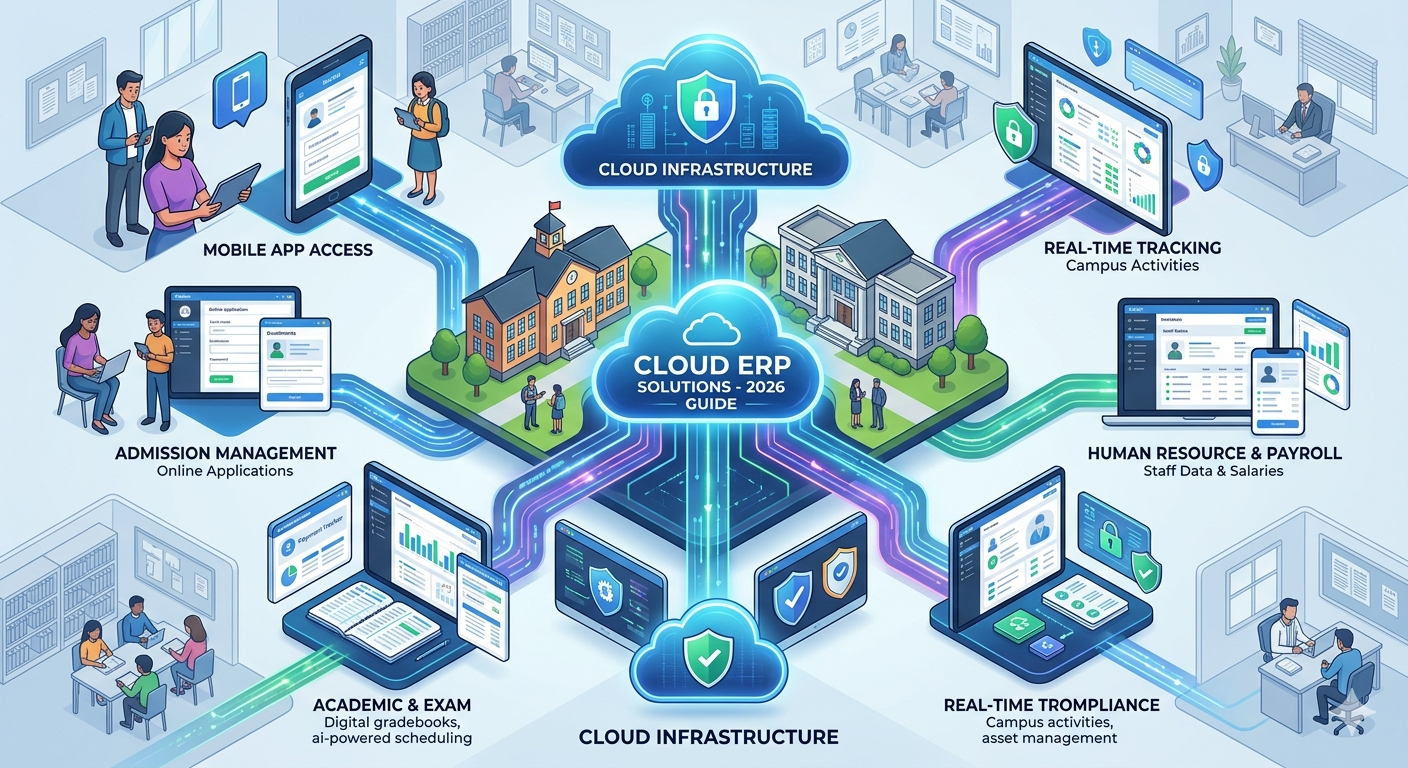
- Hardware: The physical or virtual infrastructure. Most modern erp vendors now focus on cloud erp systems to eliminate the need for expensive on-site servers.
- Software: The functional layer that contains the tools and modules.
- Data: The lifeblood of the system. An ERP ensures your data secure and accessible.
- Procedures: The standardized workflows that help businesses manage their tasks efficiently.
- People: The end-users whose user experiences define the success of the software.
What are the Types of ERP? (4 Types of ERP)
Choosing the right erp service depends on your infrastructure needs. Here are the four main types:
- Cloud ERP Software: These are erp software cloud based solutions where the system is hosted on the provider's servers. They are highly scalable and cost-effective.
- On-Premise ERP: Installed locally on your institution's hardware. While it offers control, it lacks the flexibility of cloud management software.
- Hybrid ERP: A combination of cloud and on-premise solutions, often used by large enterprises transitioning to the cloud.
- Open Source ERP: These allow for deep customization but require a dedicated IT team for maintenance.
Is Excel an ERP Software?
A common question among small businesses and schools is whether they can simply use Microsoft Excel. While Excel is a powerful tool for calculations, it is NOT an ERP.
- Excel: Relies on manual entry, is prone to human error, and creates "data silos" where information is stuck in individual files.
- ERP: An enterprise resource planning system automates data flow. When you switch to a cloud-based ERP system like Quick Campus, you save money and improve efficiency. You no longer have to manually reconcile different spreadsheets.
The Major Benefits of ERP Implementation
Why should your institution invest in cloud erp solutions? The advantages go far beyond simple organization.
1. Real-Time Data and Reporting
With an integrated system, management can make an informed decision based on real-time analytics. Whether it’s student performance or financial health, the data is always current.
2. Enhanced Data Security
Maintaining a data secure environment is critical. Leading erp software systems use advanced encryption and cloud backups, making them far safer than paper files or local hard drives.
3. Automation and Cost Savings
ERP systems save time by automating repetitive tasks like fee reminders, payroll generation, and report card printing. This automation leads to significant cost savings by reducing the need for excessive administrative staff.
4. Improved Customer Relationship Management (CRM)
In schools, customer relationship management (CRM) tools in the ERP help manage interactions with parents and future students. This improves the overall brand image.
Understanding ERP Tools and Modules
Modern cloud erp systems are modular. This means you can use specific software solutions as per your needs. Common tools include:
- Finance Module: For automated billing and accounting.
- HR & Payroll: To manage staff records and salary disbursements.
- Inventory Management: For tracking school assets and supplies.
- Admission Tool: To streamline the student onboarding process.
Challenges: Data Migration and Learning
The biggest hurdle in moving to a new system is data migration. Moving years of records from old files to a new service erp requires precision. However, reputable erp vendors like Quick Campus provide dedicated support to ensure this transition is smooth.
Is ERP Easy to Learn?
Modern cloud management software is built with a focus on user experiences. The term "Enterprise Resource Planning" may sound complex. However, the interface of school management software is easy to use, like a social media app. With minimal training, teachers and staff can manage their daily tasks with ease.
Conclusion: The Future is in the Cloud
Understanding what is ERP is the first step toward institutional excellence. By using cloud ERP software, schools can stay up to date. They can keep their data safe and focus more on education instead of administration.
If you want a platform that connects all parts of your school, Quick Campus is a great choice. It offers reliable cloud-based ERP software. It’s time to move away from outdated methods and embrace a data-driven decision making culture.
Recent Posts
All Category
- Edtech
- Digital Marketing
- Web Development/Design
- Cloud Based ERP
- Tender Opportunities
- Improve
- Registration
- Tips to Master